For as long as the web has had a <video> element, styling a custom player has meant writing JavaScript. Want a big play button to fade out when playback starts? Add a play listener that toggles a class. Want a spinner while the stream buffers? Listen for waiting and playing, flip a flag, and hope you covered every edge case. The state lived in JavaScript, the styling lived in CSS, and keeping the two in sync was a permanent source of bugs.
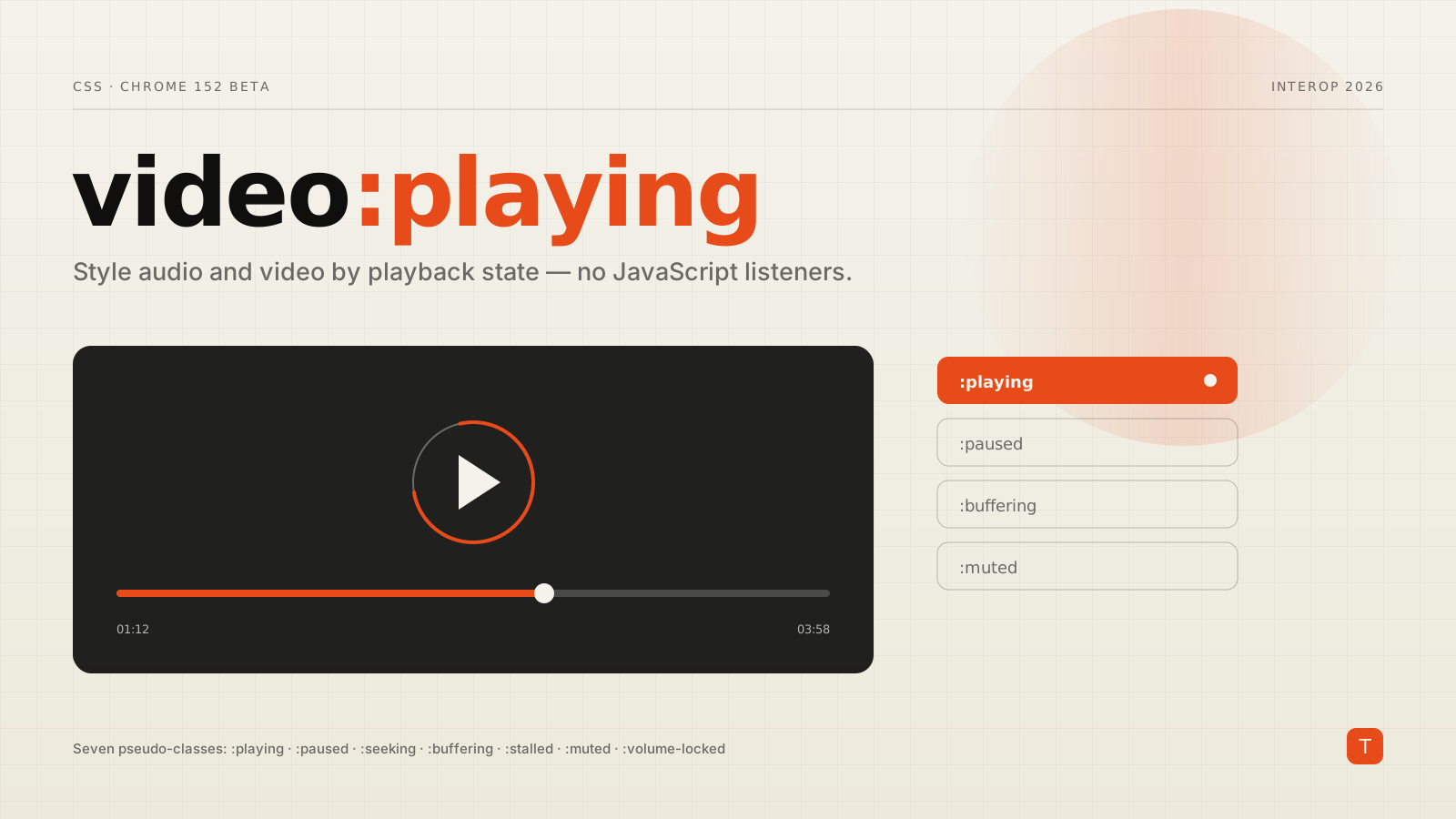
Chrome 152 — in beta as of July 30, 2026 — closes that gap. It ships seven CSS pseudo-classes that match <audio> and <video> elements based on their current playback state, so the browser keeps your styles in sync with the media for you. They are one of the Interop 2026 focus areas, which means all four major engines have committed to shipping them compatibly, and Firefox and Safari were already on board before Chrome landed its implementation.
The seven states
Each pseudo-class matches a media element whenever it is in the corresponding state:
:playing— the media is actively playing.:paused— the media is paused. This also matches before playback has started and after it has ended, because a media element is "paused" in all of those cases.:seeking— the element is seeking to a new position and does not yet have data for it.:buffering— playback is blocked while the element fetches more data.:stalled— the element has been trying to fetch data but nothing has arrived for a while.:muted— audio output is muted, whether by the user, themutedattribute, or script.:volume-locked— the user agent controls volume and the page cannot change it programmatically, which is the situation on iOS.
Because they are ordinary pseudo-classes, they compose with everything else you already know — combinators, :not(), custom properties, transitions. No new syntax to learn, just new state to select on.
A play overlay with zero JavaScript
The canonical example is a large play button that sits over the video and disappears once playback begins. Historically that meant a play/pause listener pair. Now it is a sibling selector.
<div class="player">
  <video src="/media/demo.mp4" playsinline></video>
  <button class="play-overlay" aria-label="Play">▶</button>
</div>
.play-overlay {
  opacity: 1;
  transition: opacity 150ms ease;
}

/* Hide the overlay whenever the video is actually playing */
.player video:playing ~ .play-overlay {
  opacity: 0;
  pointer-events: none;
}
The overlay reflects reality without a render loop or a stale flag. If playback is interrupted — the user hits pause, the tab is backgrounded, the stream stalls — the video is no longer :playing, the selector stops matching, and the overlay returns. You never wrote the code that handles those transitions; the browser did.
Spinners for buffering and stalled streams
Loading feedback is where the old approach was most fragile, because it depended on juggling waiting, playing, stalled, and seeking events in the right order. :buffering and :stalled replace that bookkeeping with two selectors. Since you usually want to style a container or a sibling rather than the media element itself, pair them with :has():
.spinner {
  display: none;
}

/* Show the spinner while the player is fetching data or stuck */
.player:has(video:buffering) .spinner,
.player:has(video:stalled)  .spinner {
  display: block;
}

/* Signal the stall on the whole surface */
.player:has(video:stalled) {
  cursor: progress;
}
:has() is the connective tissue that makes these pseudo-classes practical. The media element carries the state, and :has() lets that state cascade up to the wrapper so you can dim the frame, show a spinner, or swap a poster — all from the ancestor.
Muted, seeking, and volume-locked
The remaining states cover the smaller details that a polished player still has to get right.
/* A visible cue when sound is off */
.player:has(video:muted) .volume-icon {
  opacity: 0.4;
}

/* A subtle wash while scrubbing */
.player video:seeking {
  filter: brightness(0.85);
}
:volume-locked is the quiet standout. On iOS, the volume slider in a custom player does nothing — the hardware buttons own volume there — but developers have long shipped a slider anyway because detecting the limitation reliably in JavaScript is awkward. Now you can simply hide the control where it cannot work:
/* No point showing a volume slider the platform won't honor */
.player:has(video:volume-locked) .volume-slider {
  display: none;
}
Retiring the class-toggling pattern
If you maintain a player component today, you almost certainly have a block that looks something like this:
const video = document.querySelector("video");
const player = video.closest(".player");

video.addEventListener("play",    () => player.classList.add("is-playing"));
video.addEventListener("pause",   () => player.classList.remove("is-playing"));
video.addEventListener("waiting", () => player.classList.add("is-buffering"));
video.addEventListener("playing", () => player.classList.remove("is-buffering"));
video.addEventListener("volumechange",
  () => player.classList.toggle("is-muted", video.muted));
Every line of that is now expressible in CSS, and the CSS version cannot drift out of sync, fire in the wrong order, or miss an event during a fast state change. Removing it also removes a category of hydration and race-condition bugs in server-rendered apps, where the markup ships before the listeners attach and the player looks wrong for a frame.
There is a genuine architectural point here, and it is worth stating plainly: presentation that derives purely from element state belongs in CSS. Keep JavaScript for behavior the platform does not model — analytics, custom keyboard shortcuts, adaptive-bitrate logic — and let the stylesheet own the visual reflection of playing, paused, and the rest. Your components get smaller, and the parts that remain in JavaScript are the parts that actually needed to be there.
Rolling it out responsibly
These pseudo-classes are not Baseline yet — Chrome's implementation is still in beta, with stable expected around Chrome 152's late-August release, while Firefox and Safari ship their versions on their own cadence. That makes them a textbook case for progressive enhancement rather than a hard dependency.
The good news is that the failure mode is gentle. In an engine that does not yet support :buffering, the rule simply does not match, so a spinner styled behind it stays hidden — no error, no broken layout. As long as you treat the CSS state as an enhancement over a sensible default (overlay visible, spinner hidden, controls shown), older browsers get a fully functional player and newer ones get the polish for free. You can gate the richer styling explicitly with a feature query if you want certainty:
@supports selector(video:playing) {
  /* enhanced player styling here */
}
A pragmatic adoption path:
- Start with
:playingand:paused. They are the most broadly implemented and cover the highest-value interaction — the play/pause overlay. - Layer in
:bufferingand:stalledfor loading feedback, always behind a hidden-by-default spinner so unsupported engines degrade cleanly. - Use
:has()to lift state to the container instead of scattering classes across your component tree. - Delete the matching event listeners only once you have confirmed the CSS covers the same states in your target browsers, and keep an
@supportsfallback if you support engines that have not shipped yet.
The broader trend is one to watch: the line between "CSS state" and "JavaScript event" keeps moving toward CSS, as CSS-Tricks has documented. Media pseudo-classes are a clear, self-contained example of that shift — a whole class of player UI that used to require imperative glue code now falls out of a handful of selectors. If you build or maintain anything with a video or audio surface, this is a small change that quietly removes a lot of code.
Sources: Chrome 152 beta release notes, Interop 2026 on web.dev, and The Shifting Line Between CSS States and JavaScript Events on CSS-Tricks.